
You probably are seeing this page via a web-browser.
Browsers are software like Microsoft Word, PowerPoint, Photoshop or other software you might have.
We use web-browsers to access web contents over the internet.
All you have to do is to put a website-address in browser’s address bar and bingo, the website will show up. 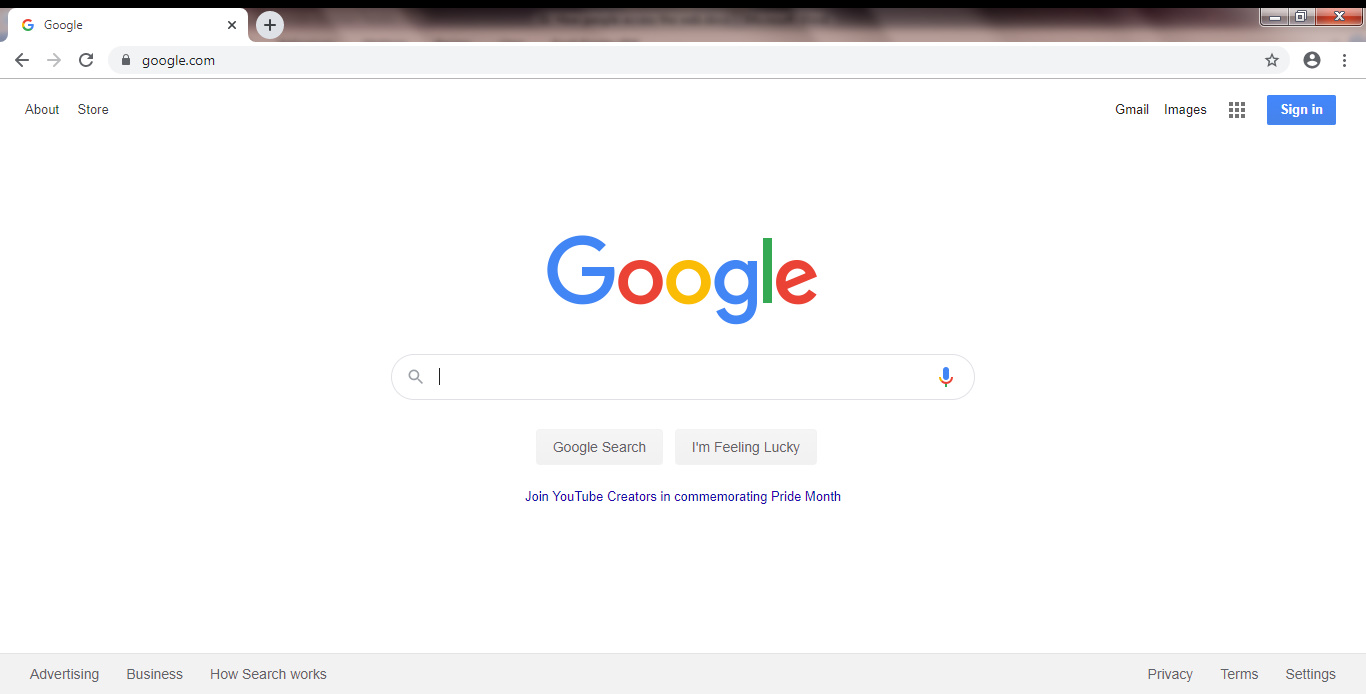
Some of the well-known browsers are: Safari, Chrome, Firefox, and Microsoft Edge to name a few.
What you see in a browser is a representation (copy) of a piece of document resides in another computer which we call Server.
You basically are asking your browser to find a document over the Internet at specified address.
One thing you should know right way is that, what you see in the browser is different than the document that the server sends for your response.
For example, if we want to access to the www.amazon.com homepage. The browser sends a request to the Amazon server and the response is something like this:


But what you see is this:

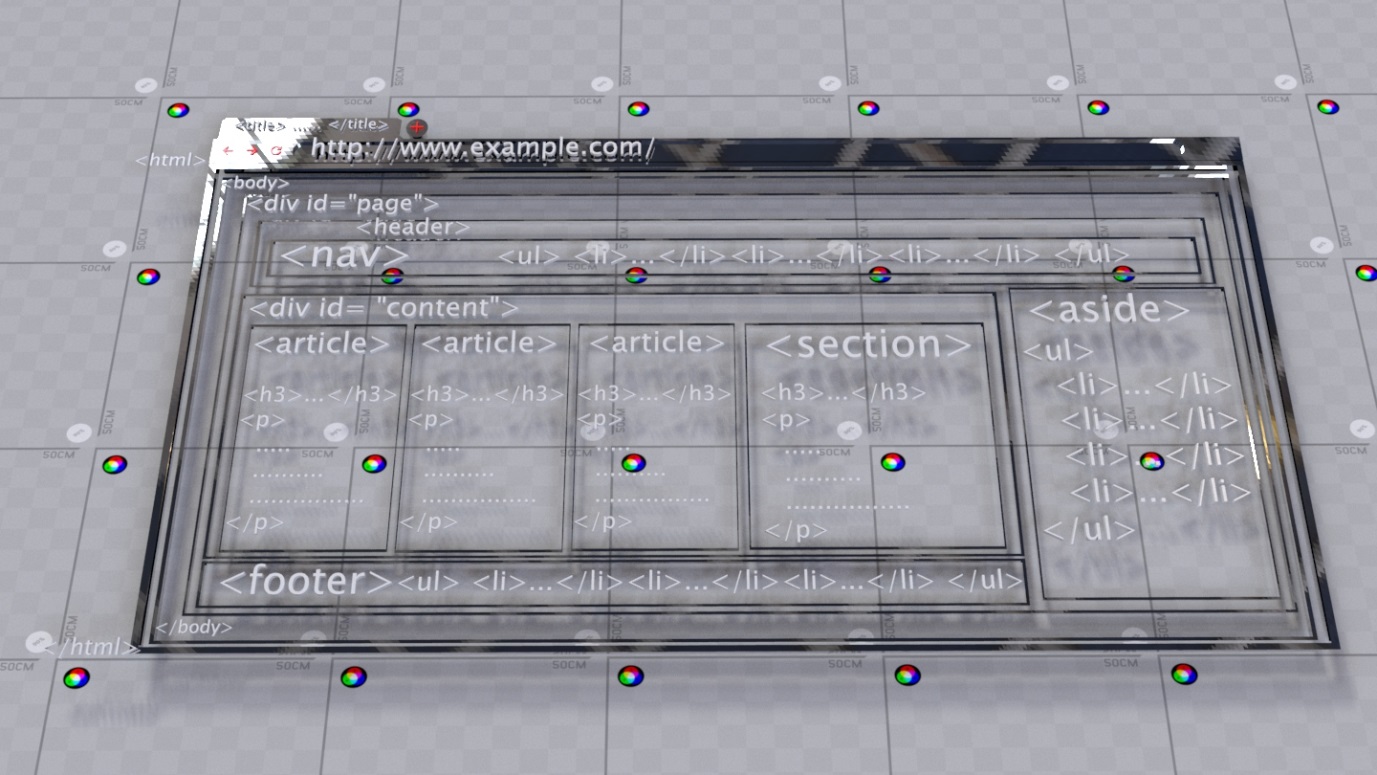
The received document from the server has some information and tags and attributes in it, which browsers use them to prepare a beautiful document for you to see.
In order to better understand what these tags and attributes are, let me show you an example of Word-Processor software.
Let’s open a Word processor like Microsoft Word.


If you were told to bold the word “test”, all you need to do is to select the word “test” and hit the ‘B’ button inside the Font bar.


Or if you wanted to underline the entire sentence, all you need to do is to select the entire sentence and hit the ‘U’ button in the Font bar.


The ‘B’ and ‘U’ buttons are just the two of the many tools available for the user to use inside this software.
Similarly, browsers react to some tags and attributes if they see them in a document that for example sent from a server.
Using these tags you can change the shape of a letter, a word, a sentence or even the entire document.
This is the language known as Markup-Language and we use it to communicate with browsers.
For example:
Let’s say a server sends a document to a browser and the document contains this body:
This is for <bold><u>Test</u></bold>After the browser got this document, based on the information here, the browser will show this to the user:
This is for TestWith the help of the <bold> </bold> element we have told the browser that we want the word “Test” to be in bold shape.
Then with the help of the <u> </u> element we have told the browser to underline the word “Test”.
So as you can see, using these two elements we asked the browser to do some modification over the word “Test”.
This is a language that browsers understand and so we can use it to communicate with them.
Elements like these that we mentioned, come from a standard language named HTML Markup Langue.
In short:
We can use HTML language to tell browsers how to display contents to users.