
In order to create a webpage using HTML, you need a Text-Editor.
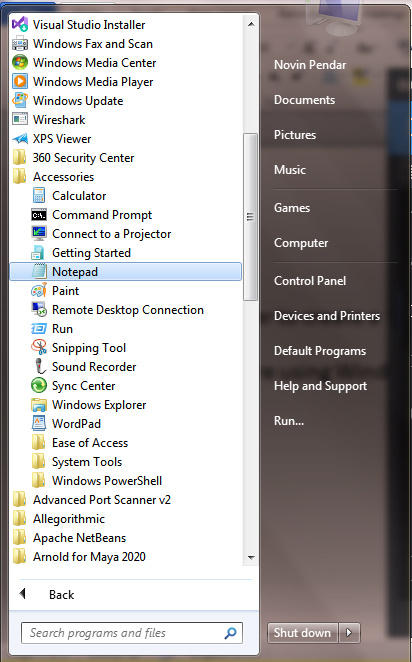
If you’re using Windows OS, the Notepad program is a simple Text-Editor that you can use.
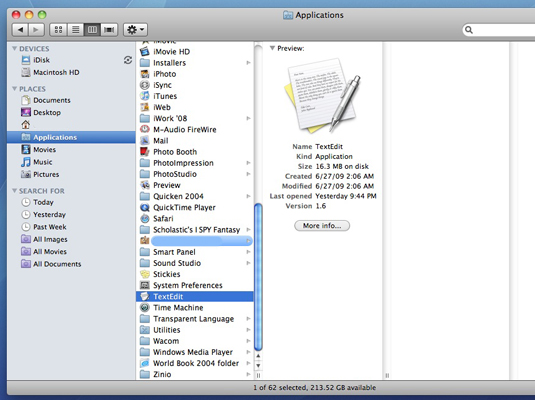
If you are using Mac OS, the TextEdit program is the simplest Text-Editor you can use for creating an HTML web-page.
But there more advanced Text-Editors you can use.
Visual Studio Code and Sublime-Text-Editor are two of the advanced text editors which can be used for creating html web-pages.
Both are free and can be downloaded at the following links:
 Visual Studio Code: https://code.visualstudio.com/download
 Sublime Text Editor: https://www.sublimetext.com/3
 Visual Studio Code:
  Sublime Text Editor:
 After you have decided on what text editor you want to use; in order to create an html page:
-
Create a text file with the extension of
<em>.html</em>


After you change the extension of the text file, the shape of that file will change to look like a web-page.

-
Now you can open this file using your chosen
Text-Editor.


After opening the html-file, you can start to put html code in it.
For now just copy and paste the code below into your text editor:
<!DOCTYPE html>
<html>
   <head>
      <title>this is the title of this page</title>
   </head>
   <body>
      <p>Hello World</p>
   </body>
</html>
Now save the file and close it and then run the file using your web-browser. Doesn’t matter what browser you choose to run the page with.

This is the output you should see if you followed the instructions:


You can also see the source code of this page or any other webpages by right clicking in the middle of the page and select “View page source”
For example:

And the page source code:
