
HTML stands for Hyper Text Markup Language and describes the shape and the structure of a web-page.
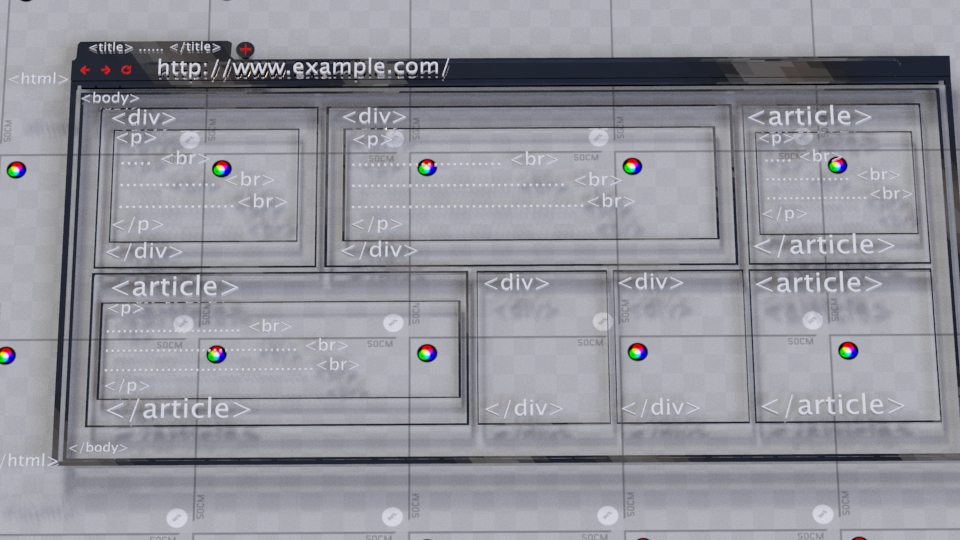
Each HTML code lives within angle brackets. So a tag like <html> or <body> is an HTML code which we call “element”.
Each element contains two tags (there are other elements with only one tag but for the majority, each element contains two tags).
The structure of an HTML element is this: <element-name> </element-name>.
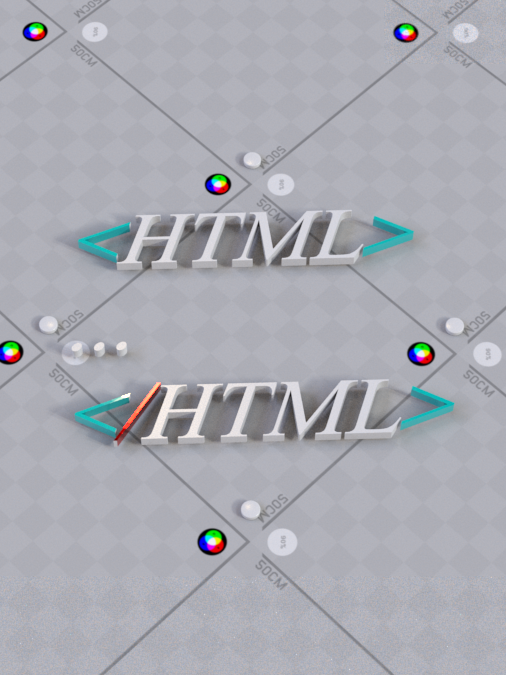
The <element-name> is the open tag and the </element-name> is the closing tag of an element. The use of ‘/’ indicates the closing tag.
For example the ‘html’ element opens with <html> and closes with </html>.
Note that each tag is enclosed within open and close brackets.
Each HTML element gives information to the browser and based on that, the browser knows how to treat the document within each element.
<html></html>The <html> tag is at the root of a document. Every time you want to create a webpage, you start by declaring this tag.


The rest of tags reside within this element.
<html>…
</html>In short: a document starts with <html> tag and ends with closing </html> tag.
Typically each document has a header and a body.
<html>
<head>
<!—the head area>
</head>
<body>
<!—the body area >
</body>
</html>
The <head> element, contain information about the page. Typically you’ll not see this information in the page itself!
For example, one of the elements that go within <head> is <title> element.
We use <title> element to set the title of a page.
Example:
<html>
<head>
<title> this is the title of this page</title>
</head>
<body>
</body>
</html>
Output:


The <body> element is the place where you can put contents that want users to see within the page.
For example:
<!DOCTYPE html>
<html>
<head>
<title>this is the title of this page</title>
</head>
<body>
<p>You can see this paragraph within the page</p>
</body>
</html>
We will introduce the <p> element but for now you can see the output of using this tag within the <body> element.
Output:
If we change the position of the <p> element and put it in the <head> element, you can still see the sentence of this tag within the page but it is structurally wrong! (we explained why in <body> element tutorial) If we change the position of the <p> element and put it in the <head> element, you can still see the sentence of this tag within the page but it is structurally wrong! (we explained why in <body> element tutorial)
Html is not case sensitive!
For example: <HTML> is the same as <Html> and <html>. But the usual way and the best practice of writing html code, is to set all the tags in lowercase like <html>.