

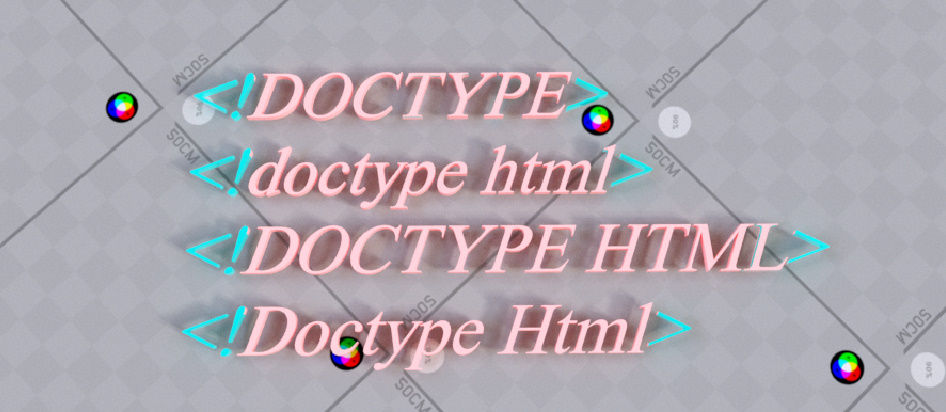
HTML has been around for a long time and so far multiple versions of it came out. The latest one is HTML 5.
You should know that not all versions of HTML treat each tags and elements the same as the older versions. Older HTML versions might not recognize newer HTML elements.
A code that you write using HTML 5 might have different meaning when it used in HTML 4!
You need to remind browsers about the version of HTML that you’re using so that browsers treat your code in the right way based on the version you declared.
The latest version of HTML is HTML 5 and in order to let browsers recognize that your source code's version is HTML 5 you should declare <!DOCTYPE html> at the beginning of your html code (above the <html> tag)Like the example below:
<!DOCTYPE html>
<html>
<head>
</head>
<body >
</body>
</html>
Note: html is not case sensitive, so the use of <!doctype html> or <!Doctype Html> works the same.
In order to use older version of html like html4 you can use the code below:
<!DOCTYPE HTML PUBLIC "-//W3C//DTD HTML 4.01 Transitional//EN" "http://www.w3.org/TR/html4/loose.dtd">