
In the introduction section of CSS tutorial, we have shown some of the most famous websites with and without the use of CSS. We also showed you the borders around each HTML element one these websites.
We used the Chrome-Browser extension software named “Chrome Web Developer Extension” in order to get these pictures for you.
If you’re interested in seeing other websites with and without CSS, you can use this tool.
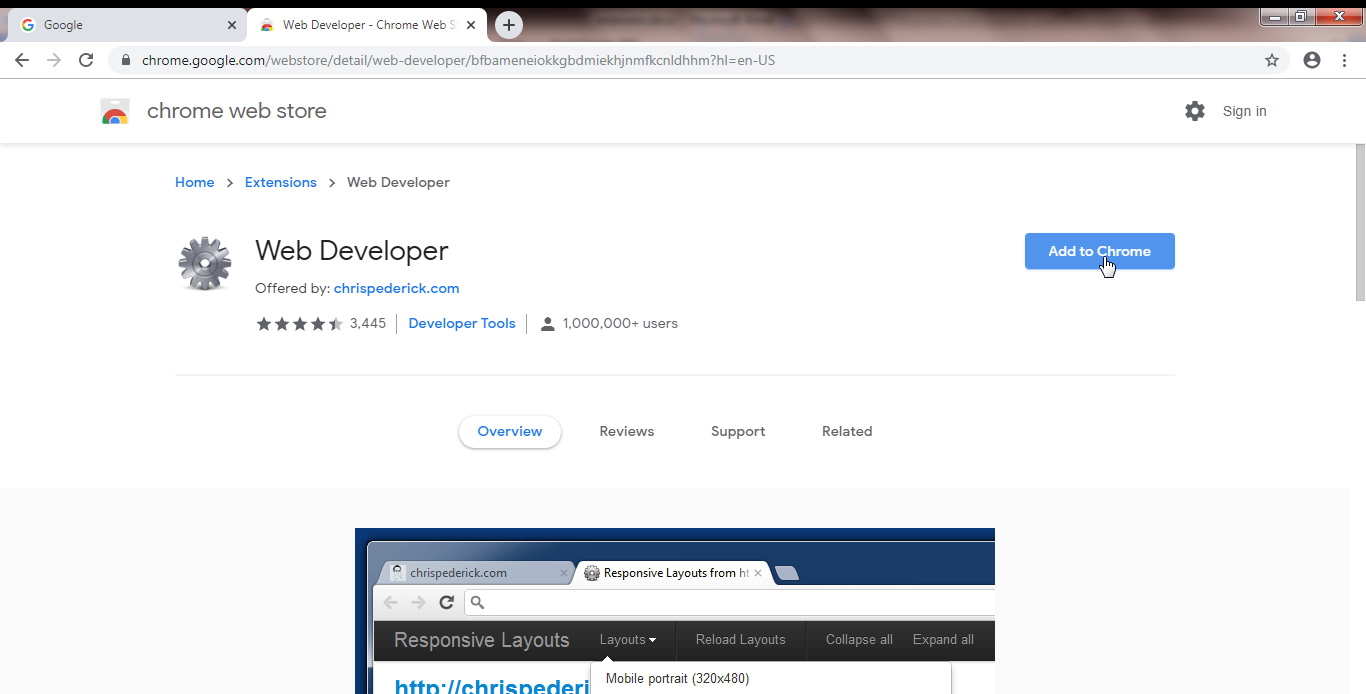
Go to this address:
https://chrome.google.com/webstore/detail/web-developer/bfbameneiokkgbdmiekhjnmfkcnldhhm?hl=en-USSelect Add to Chrome:
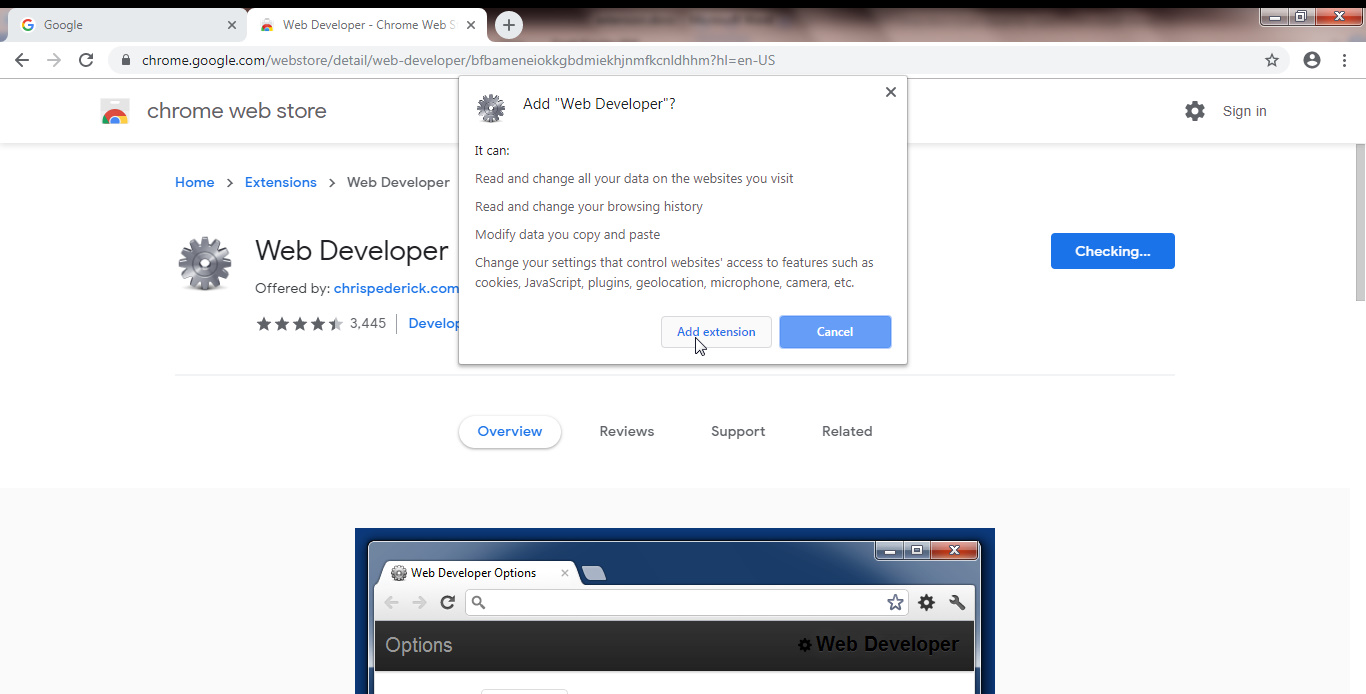
Then select Add Extension:
A few moments later you’ll see the page below, which means the extension, has been successfully installed.
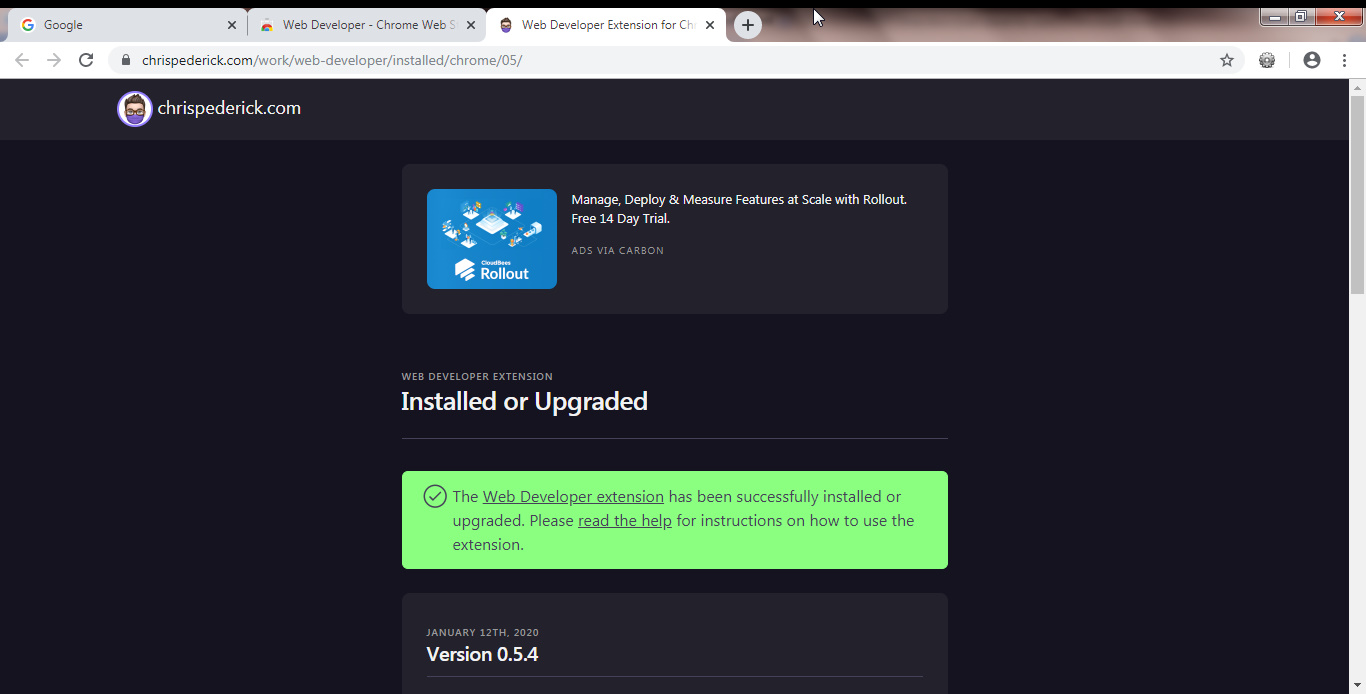
Now on the top right section of the Chrome-browser you can see the icon of this extension and if you click on it, you can see all the tools offered by this extension for you to use.


Now let’s say we want to disable the CSS used in www.google.com . All you have to do is to open the CSS tab of this extension and hit “Disable all Styles”:

And of course if you de-select the “Disable all Styles” everything will back to normal.
If you want to see the boxes around each HTML element, you can go to Outline tab of this extension and select every “Outline… “Link in that tab:

This extension is very powerful and can do a lot more than just disabling and enabling CSS and boxes in a webpage.
We suggest keep this extension in your arsenal because it will help you a lot during your web-development progress.